
Before deleting your Instagram account, you also have the option to deactivate it. You can deactivate and reactivate your account anytime you want. If you choose to delete it, you still have 30 days to recover your account in case you change your mind.
Now, let’s get into the steps to permanently delete your Instagram account.
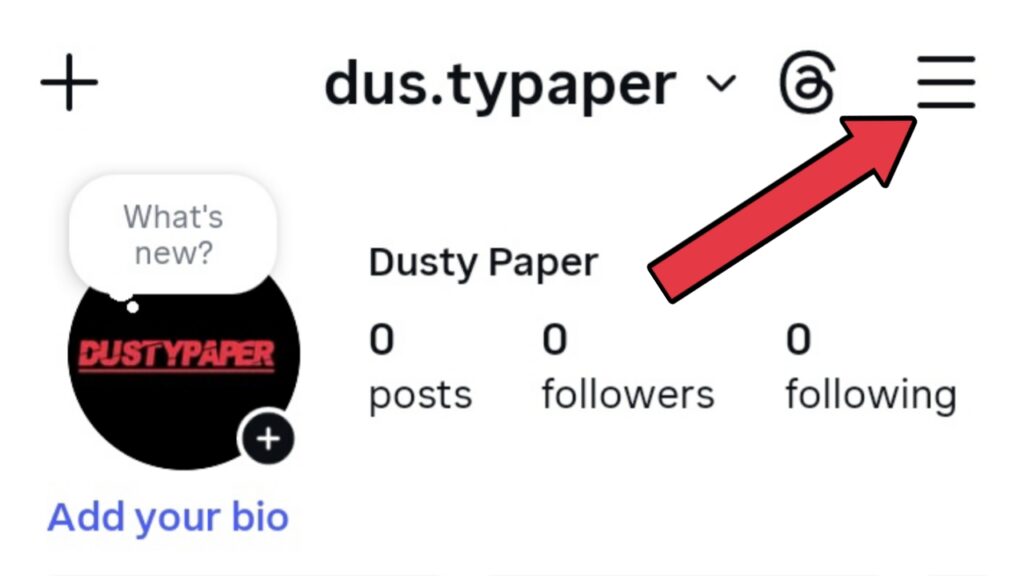
Step 1: Tap on the menu (three dots).
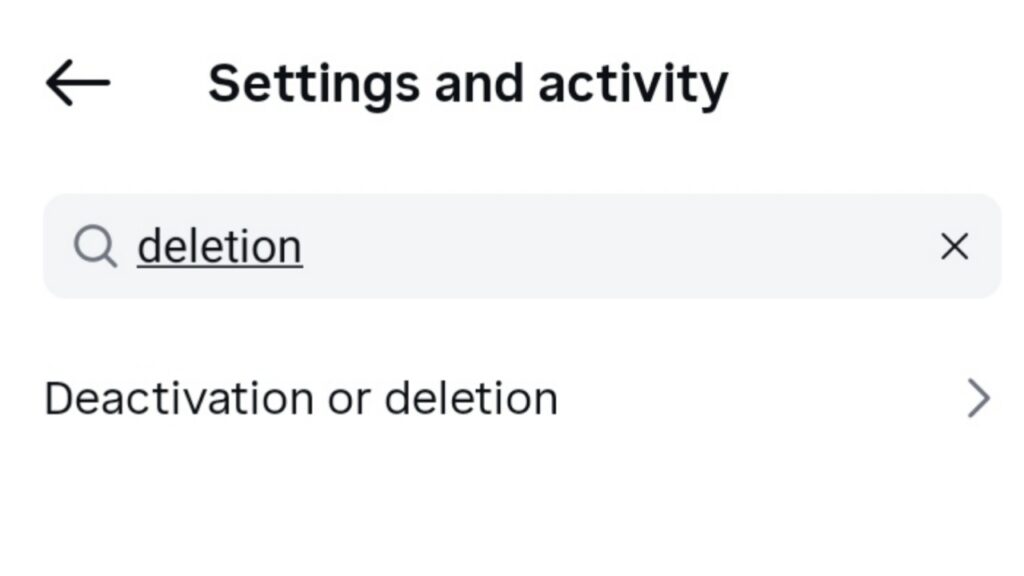
Step 2: In the search bar, type “deletion” and select the “Deactivation or deletion” option.
Step 3: Choose the account you want to delete.

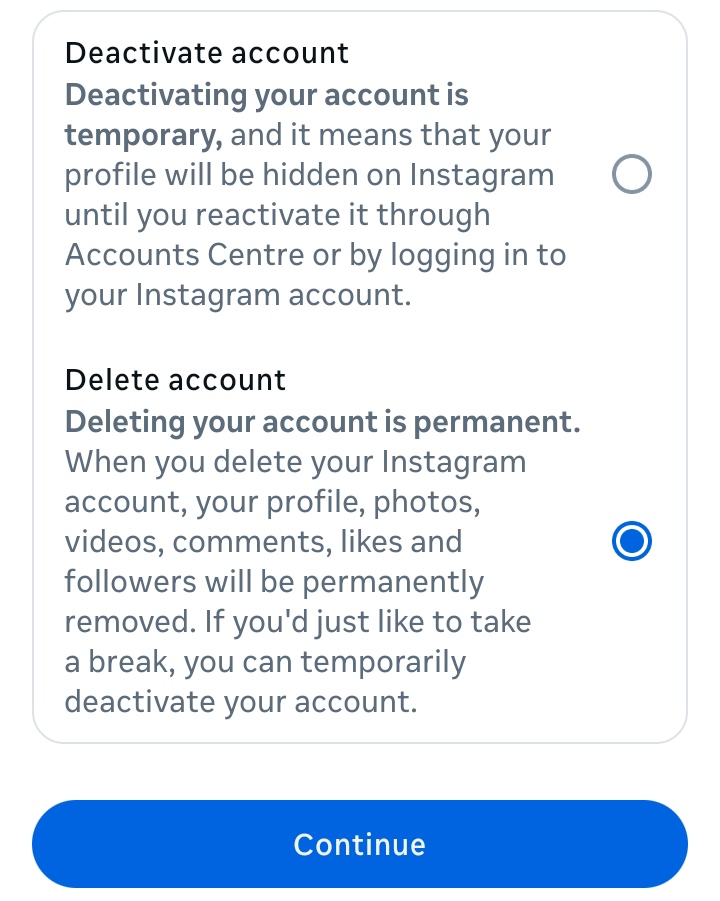
Step 4: Select the “Delete account” option and tap Continue.
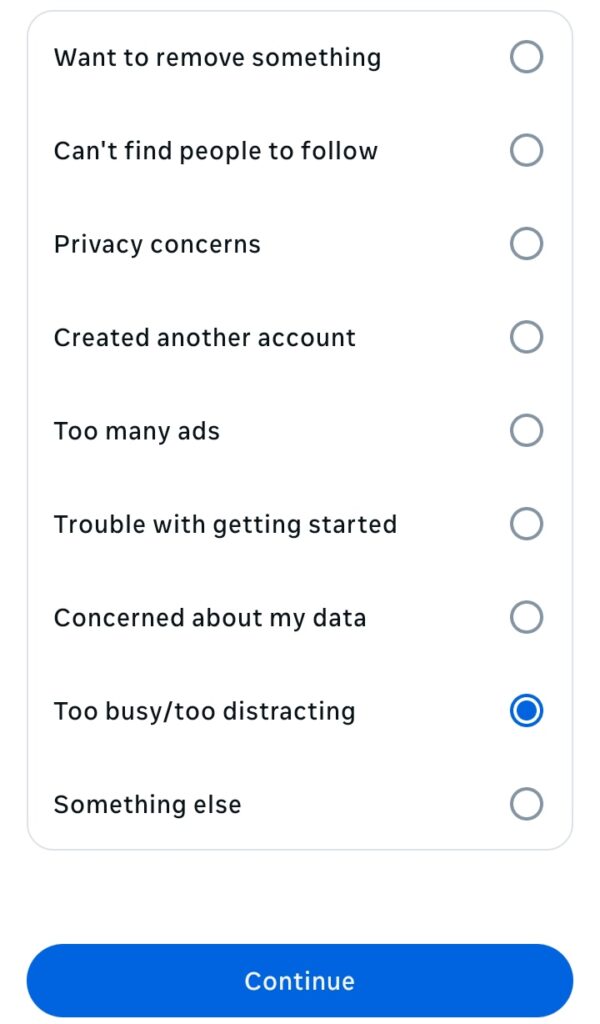
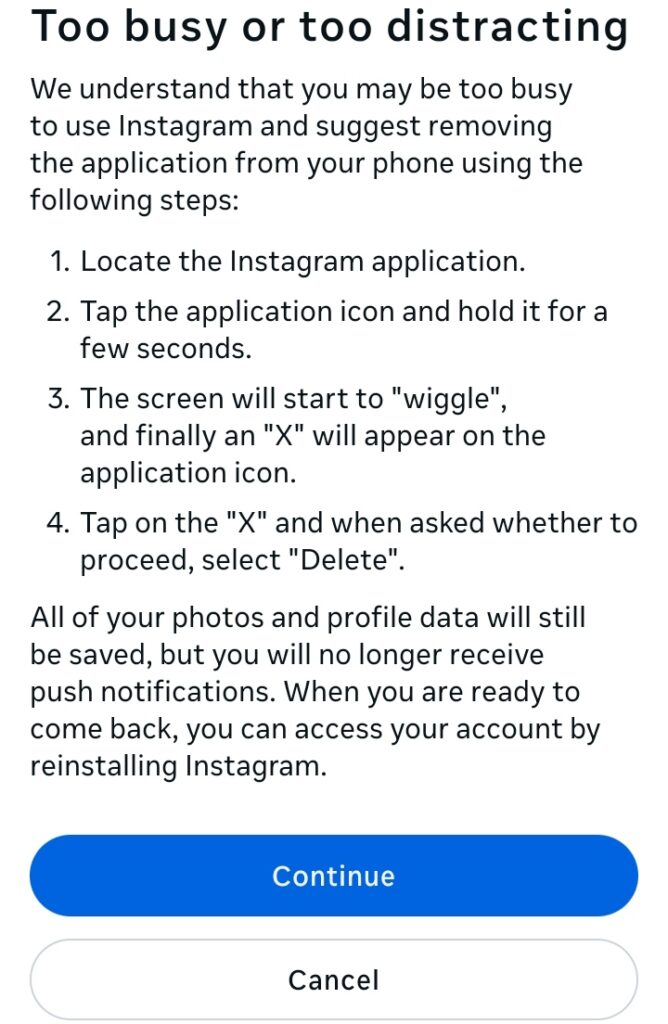
Step 5: Choose a reason for deleting your Instagram account and tap Continue.
Step 6: Tap Continue again.
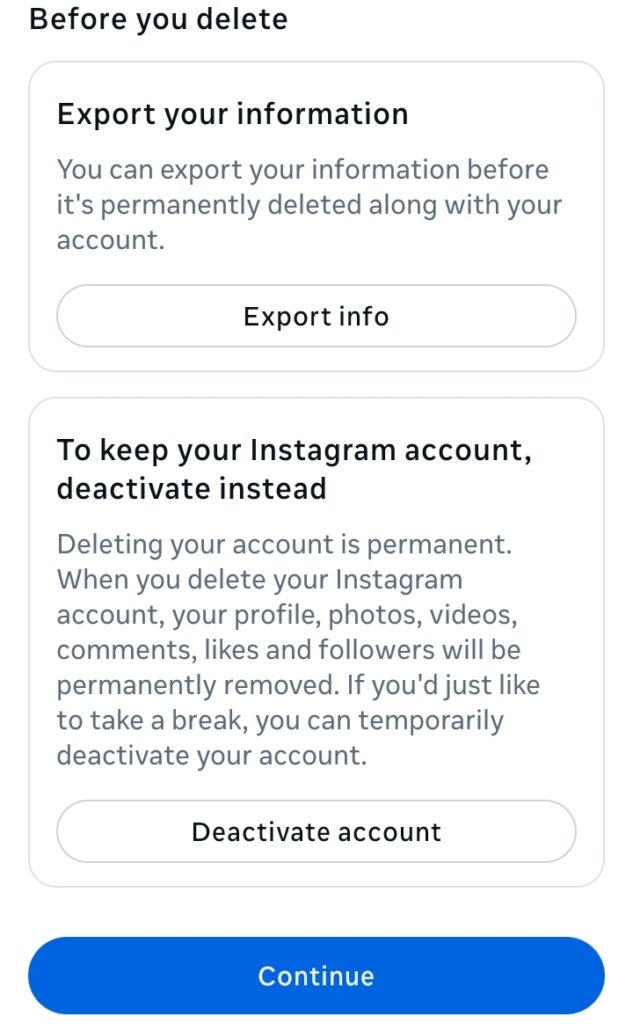
Step 7: Before deleting, you can export your data by selecting “Export info.” If not, just tap Continue.
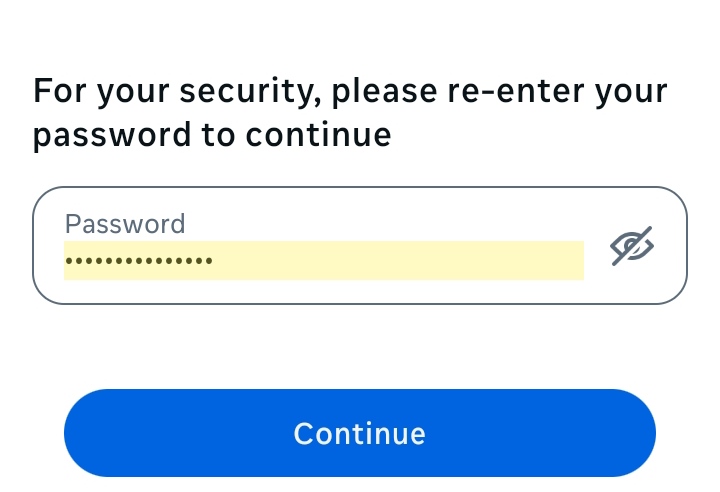
Step 8: Enter your password and tap Continue.
Step 9: Finally, tap on the “Delete account” button.
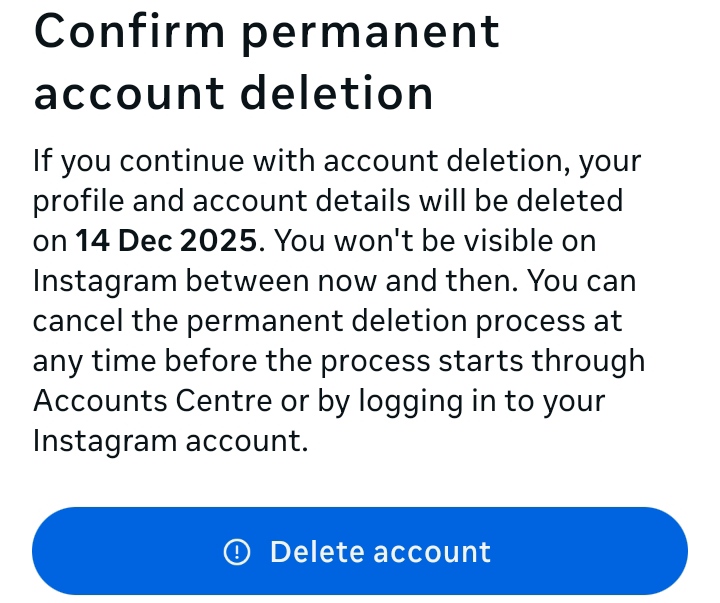
That’s all you need to permanently delete your Instagram account. You can also check out how to deactivate Instagram account for a temporary break.